AstrHori 6mm Fisheye to DL - Lens Bayonet for Inspire 3 (Sony E mount lens for DL Camera)
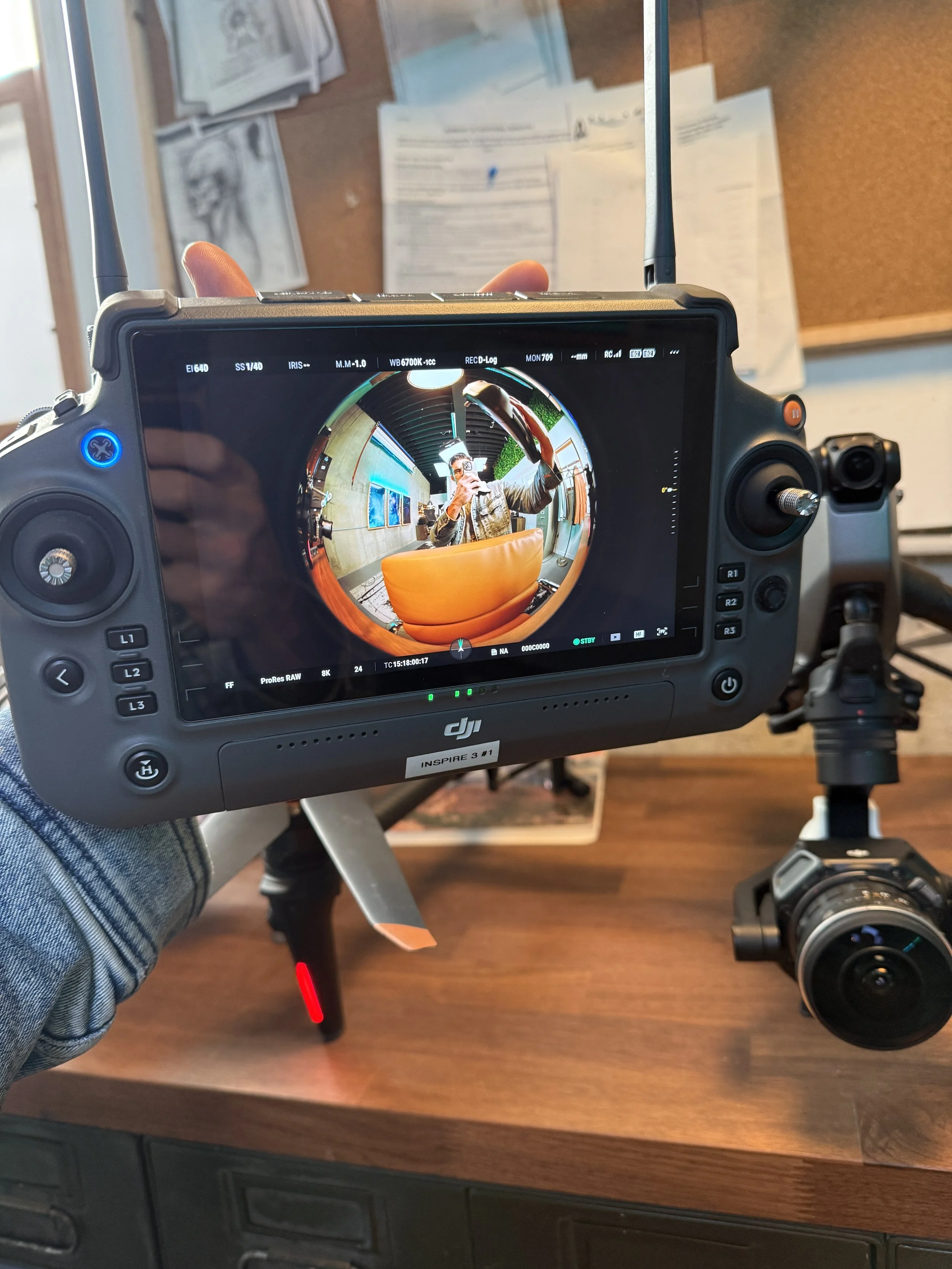
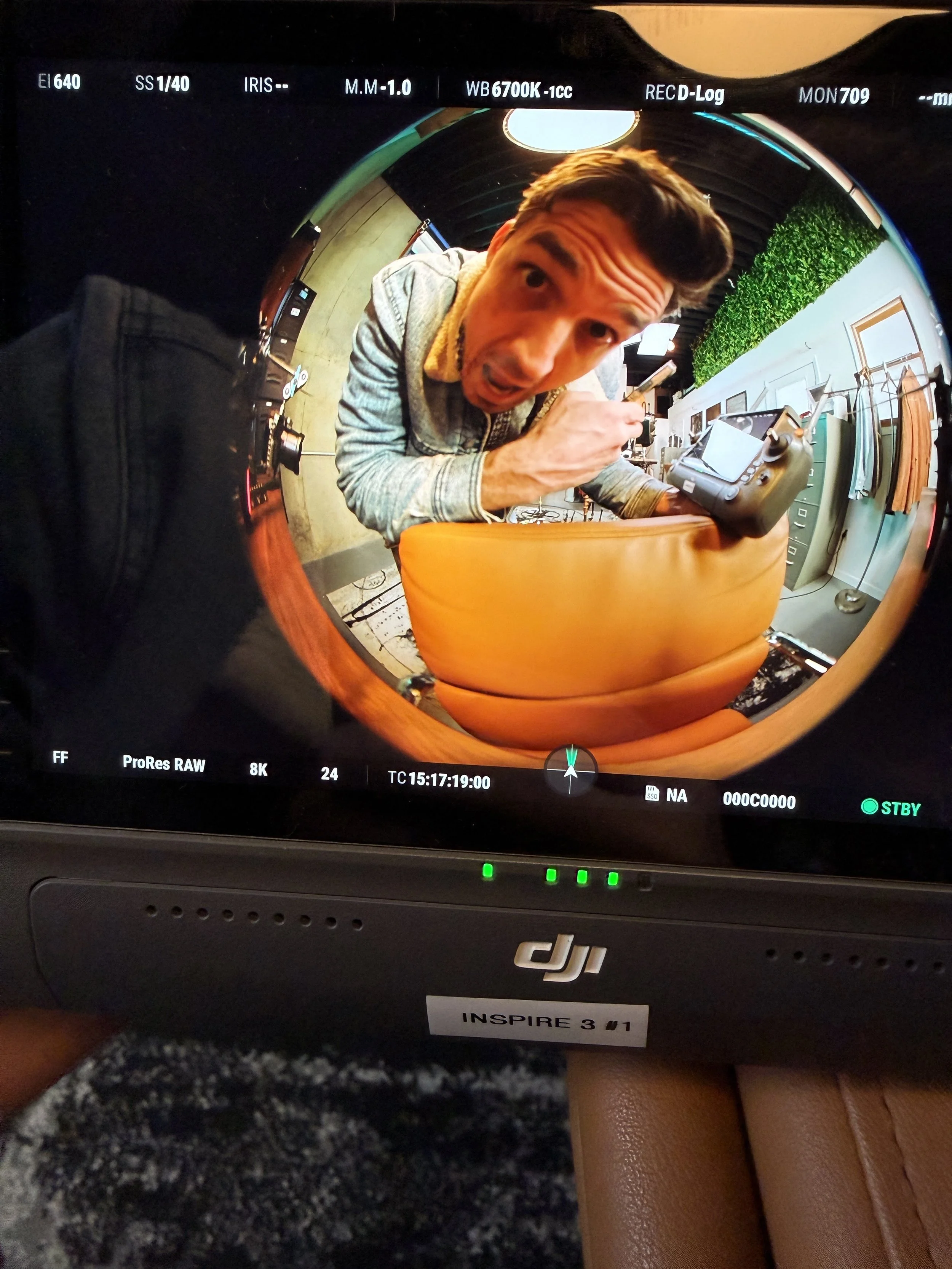

AstrHori 6mm Fisheye to DL - Lens Bayonet for Inspire 3 (Sony E mount lens for DL Camera)
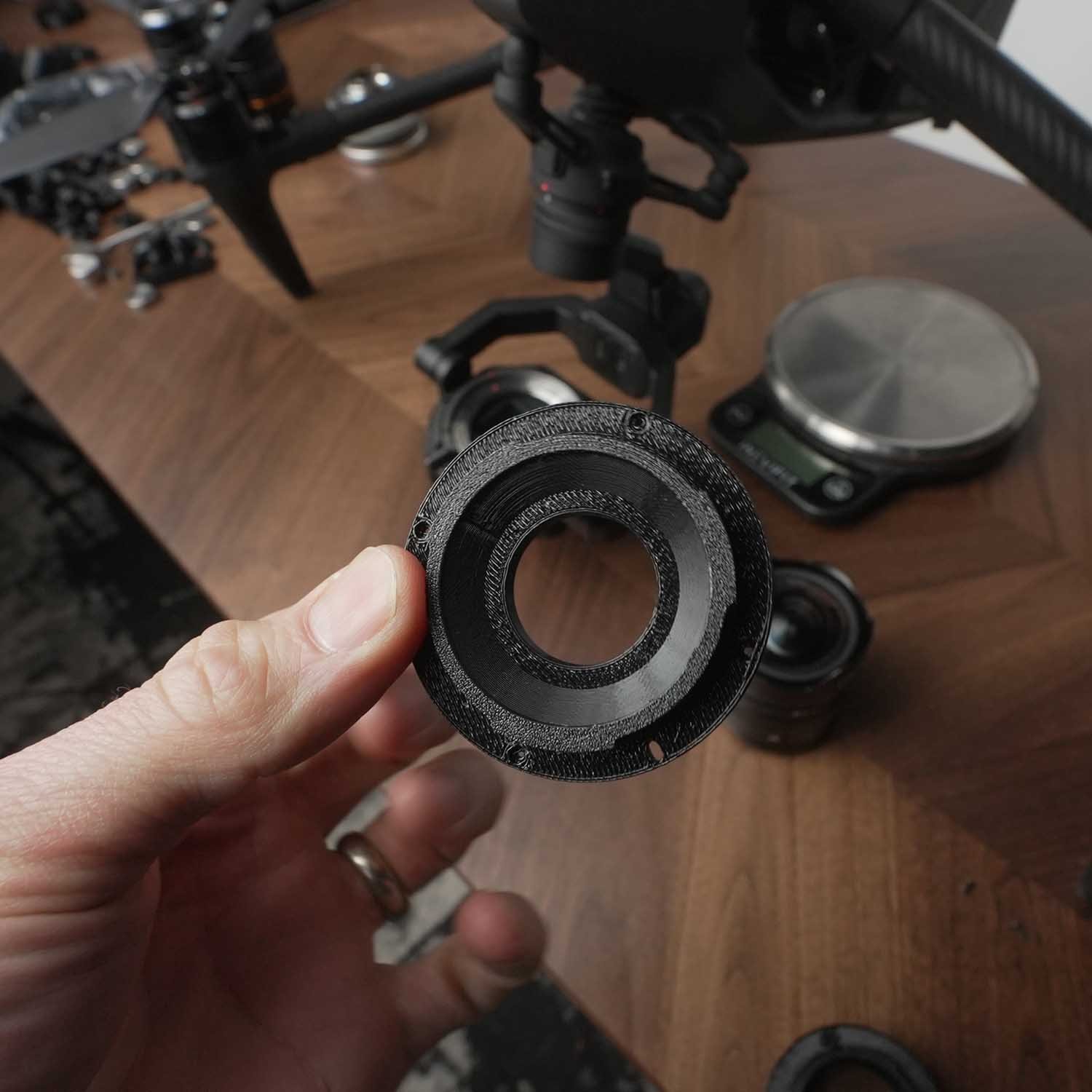
High Quality PETG 3D Printed Lens Adapter
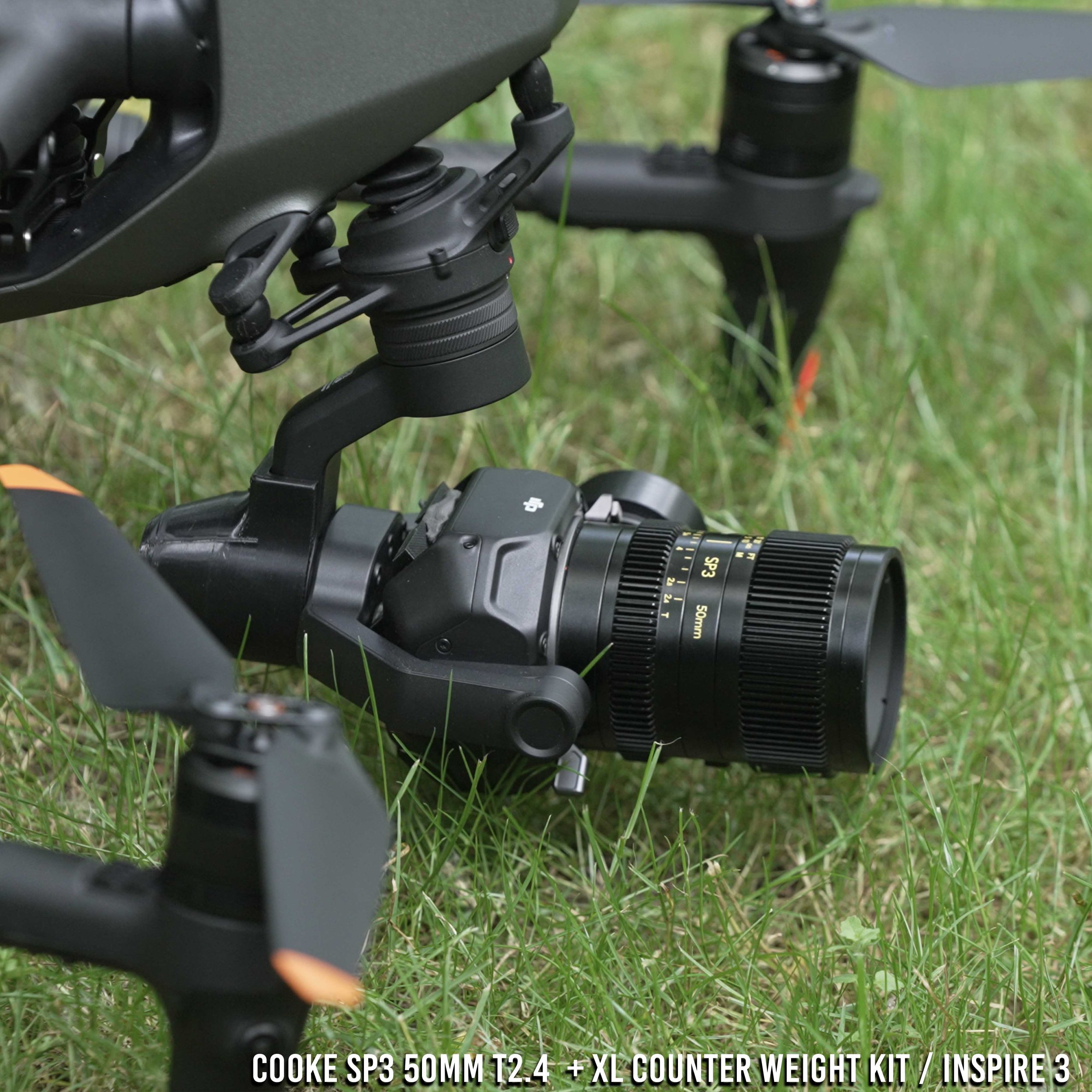
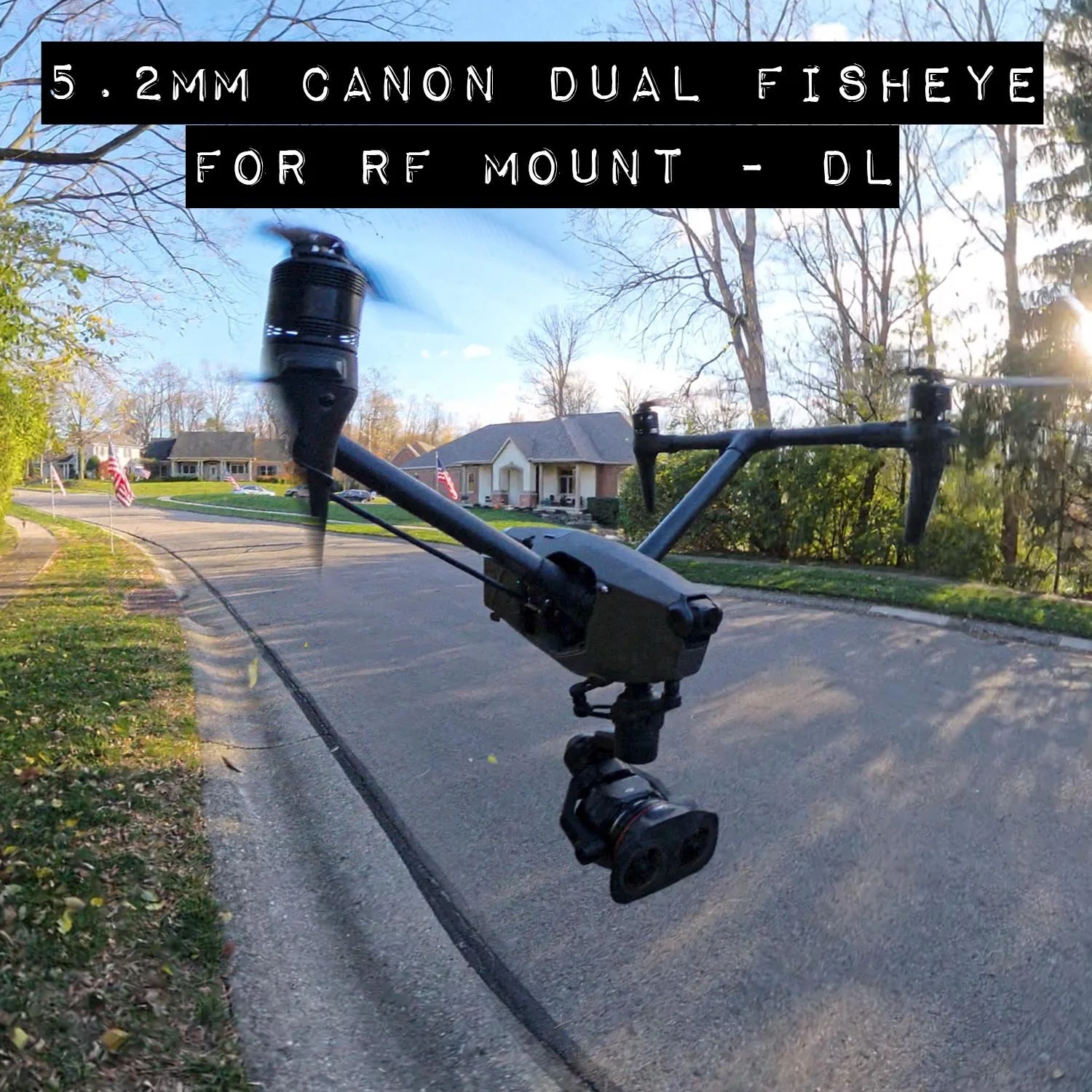
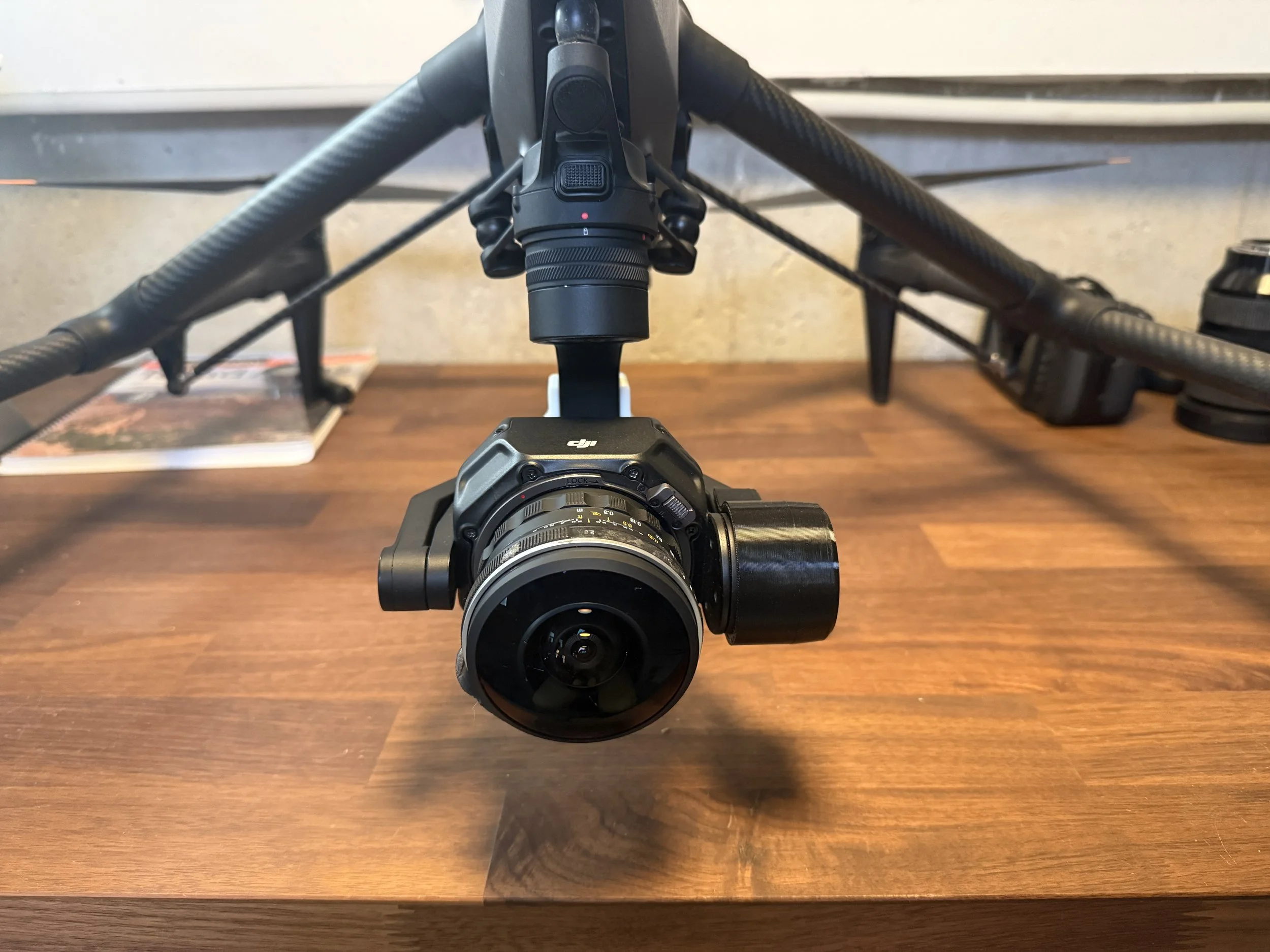
This is a DJI DL Mount lens bayonet to replace the stock Sony E-mount bayonet for AstrHori 6mm f2.8 full frame fisheye lens. This works along with the XL counter weight kit to adapt and use the following lenses on the DJI Inspire 3 (lenses sold separately)
What’s Included
(1) Replacement bayonet for a AstrHori 6mm f2.8 full frame fisheye lens, does not include the lens.
Flight Characteristics based on weight and size of lens
The AstrHori 6mm f2.8 is a full frame lens short heavy lens at 340grams and 61mm in length, it will require modest counter-weighting on rear gimbal plate, roll arm, and pan arm to bring it into balance.
AstrHori 6mm (DJI DL Mount) – Inspire 3 Flight Test Notes
Gimbal Balance: Used the DJI counterweight kit with one tungsten weight on the left side of the rear gimbal plate (roll motor side), plus 28g of tungsten putty split between the top and bottom positions (see photos). Removed the roll-arm counterweight entirely and pressed 14g of tungsten putty onto the motor housing. The rear pan motor mount has one tungsten weight installed. Performed gimbal motor calibration before takeoff.
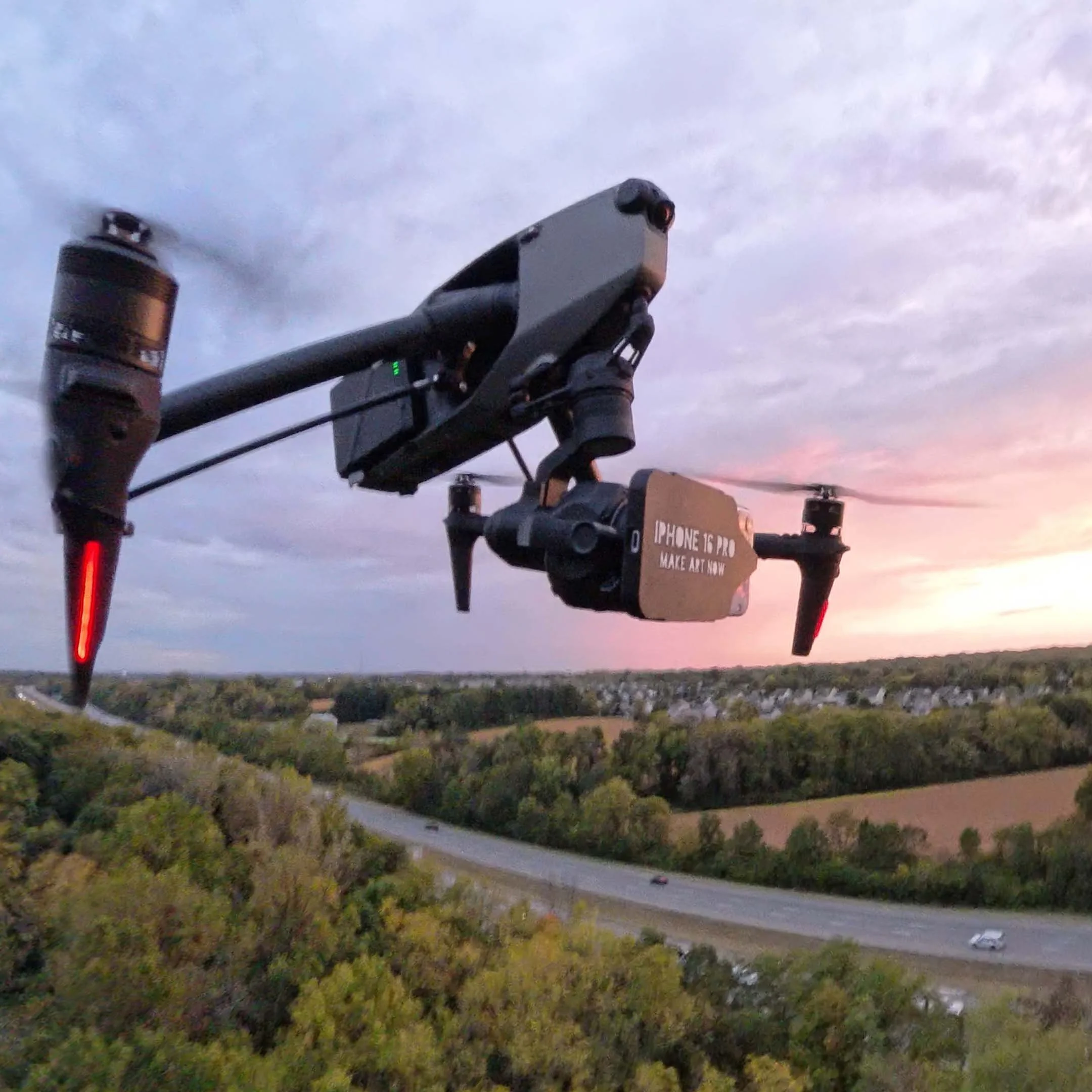
Flight Test 1 – Landing Gear Down: Started in standard mode, then switched to Sport Mode halfway through. The lens is extremely wide, so propellers, prop shadows, and landing gear are visible. Certain downward gimbal tilt angles produced vibrations, possibly due to imperfect balancing. See screen recording for exact angles.
Flight Test 2 – Landing Gear Up: Flew entirely in Sport Mode. Slower speeds were generally vibration-free, but certain speeds and tilt angles caused vibrations. Flying into the wind at higher speeds introduced vibrations even at tilt angles that previously worked fine in standard mode.
Conclusion: The lens is usable but appears best suited for slower, controlled flights or indoor operation. Additional counterweight adjustments and testing at different tilt angles may improve stability, particularly at higher speeds.
How this works
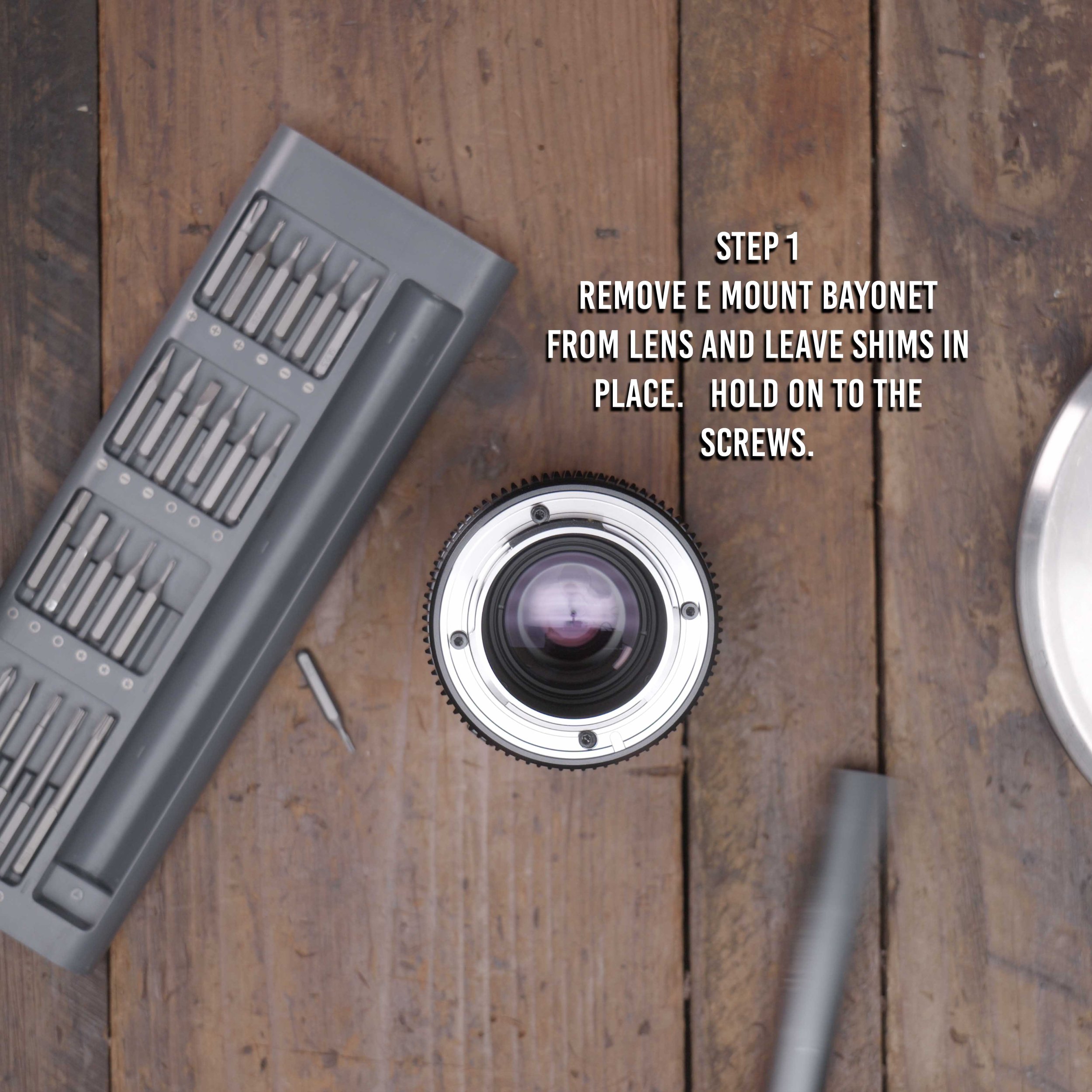
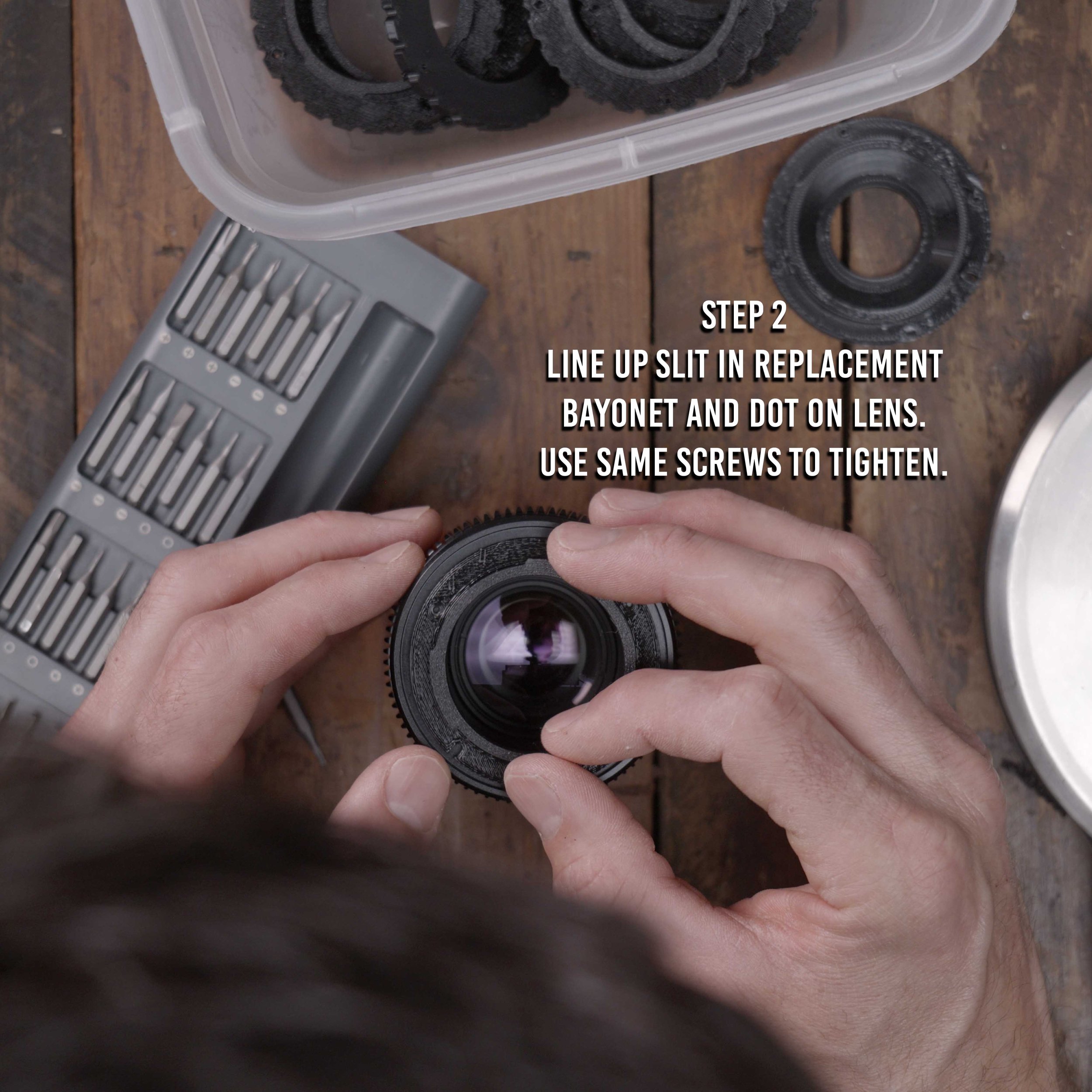
Step 1. Unscrew stock bayonet on lens with a small electronics screw driver
Step 2. Use the same screws and insert the 3d printed bayonet, aligning the bayonet in the correct orientation (Align mark to red dot on lens)
Step 3. Install lens on Inspire 3 along with the Counter Weight kit and appropriate weights.
Step 4. Set focus to infinity on the ground.
Step 5. Lock focus with a small piece of gaffe tape on the lens. You will not get Autofocus with these lenses.
Step 6. Make sure gimbal lens lock has locked in lens correctly.
DISCLAIMER - YOU FLY AT YOUR OWN RISK
The DJI inspire 3 is designed to fly compact lenses that are 169g, and flying heavier and bigger lenses will change flight and gimbal characteristics. By purchasing this adapter you accept the risk of personal injury, death and or destruction of property due to the changes to the flight characteristics. This sale makes no guarantee that the lenses the adapter is intended for will work with full functionality, mobility, and aerodynamics. Be smart, fly slow, make a test flight first, YOU FLY AT YOUR OWN RISK.