AstrHori 6mm Fisheye to DL - Lens Bayonet for Inspire 3 (Sony E mount lens for DL Camera)

AstrHori 6mm Fisheye to DL - Lens Bayonet for Inspire 3 (Sony E mount lens for DL Camera)
High Quality PETG 3D Printed Lens Adapter
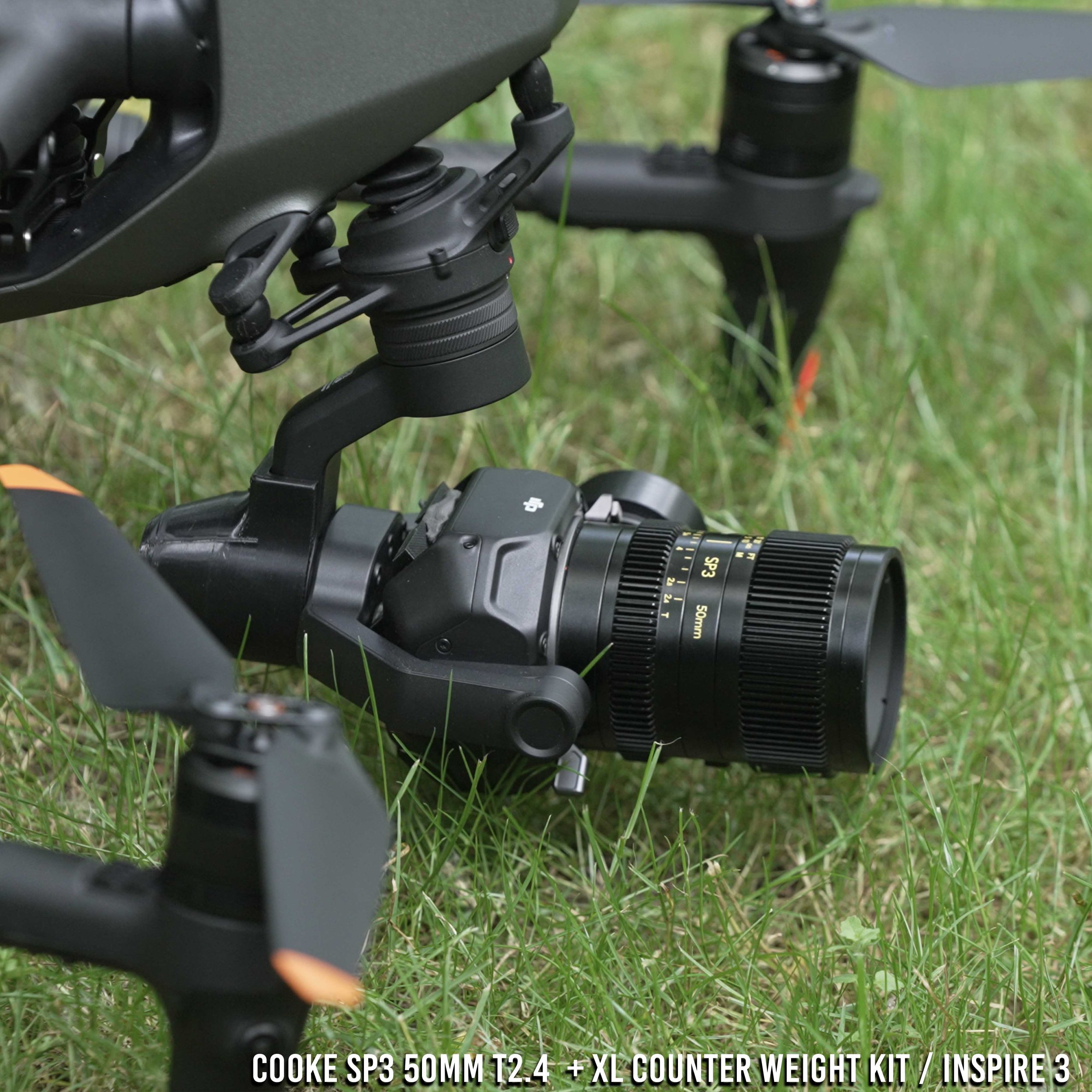
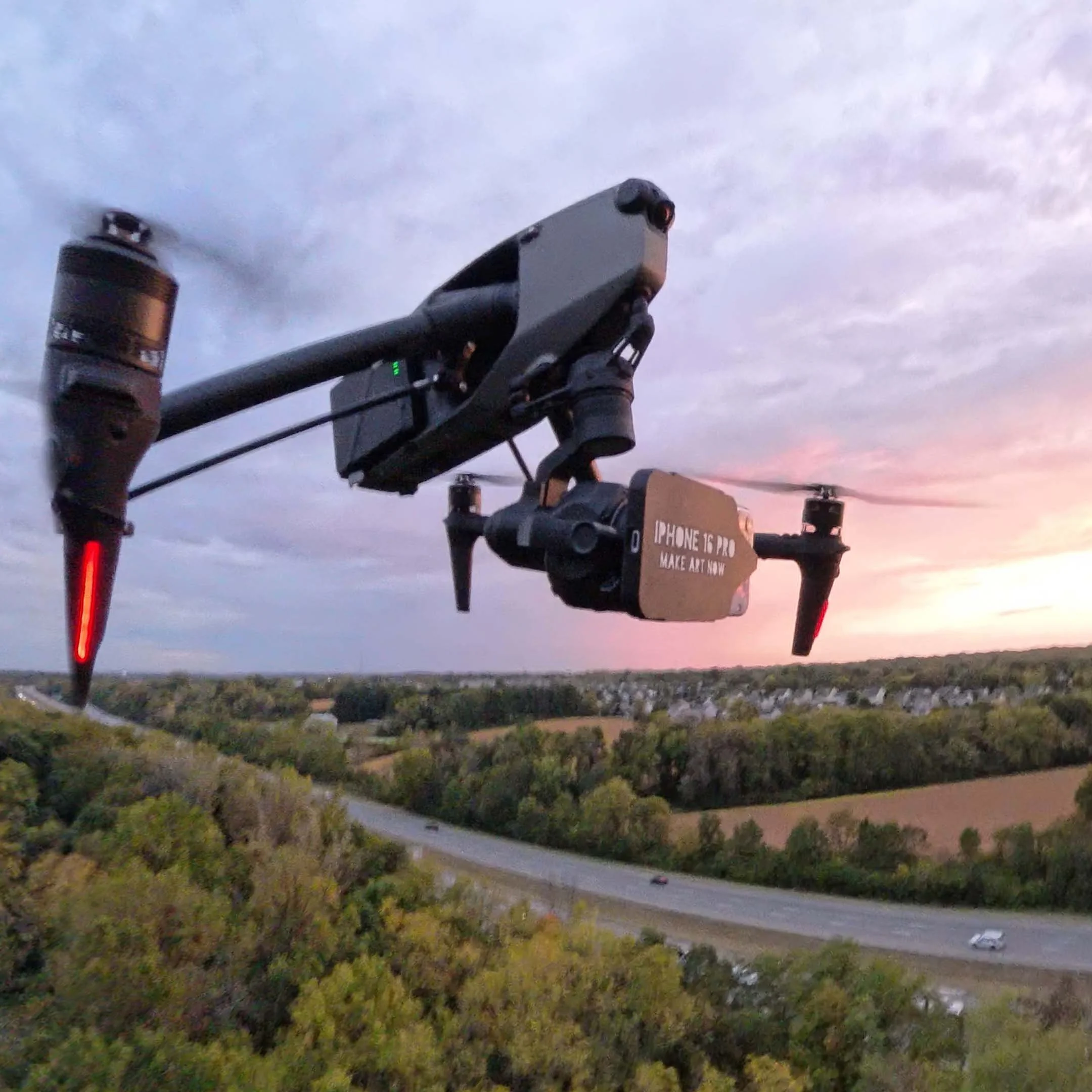
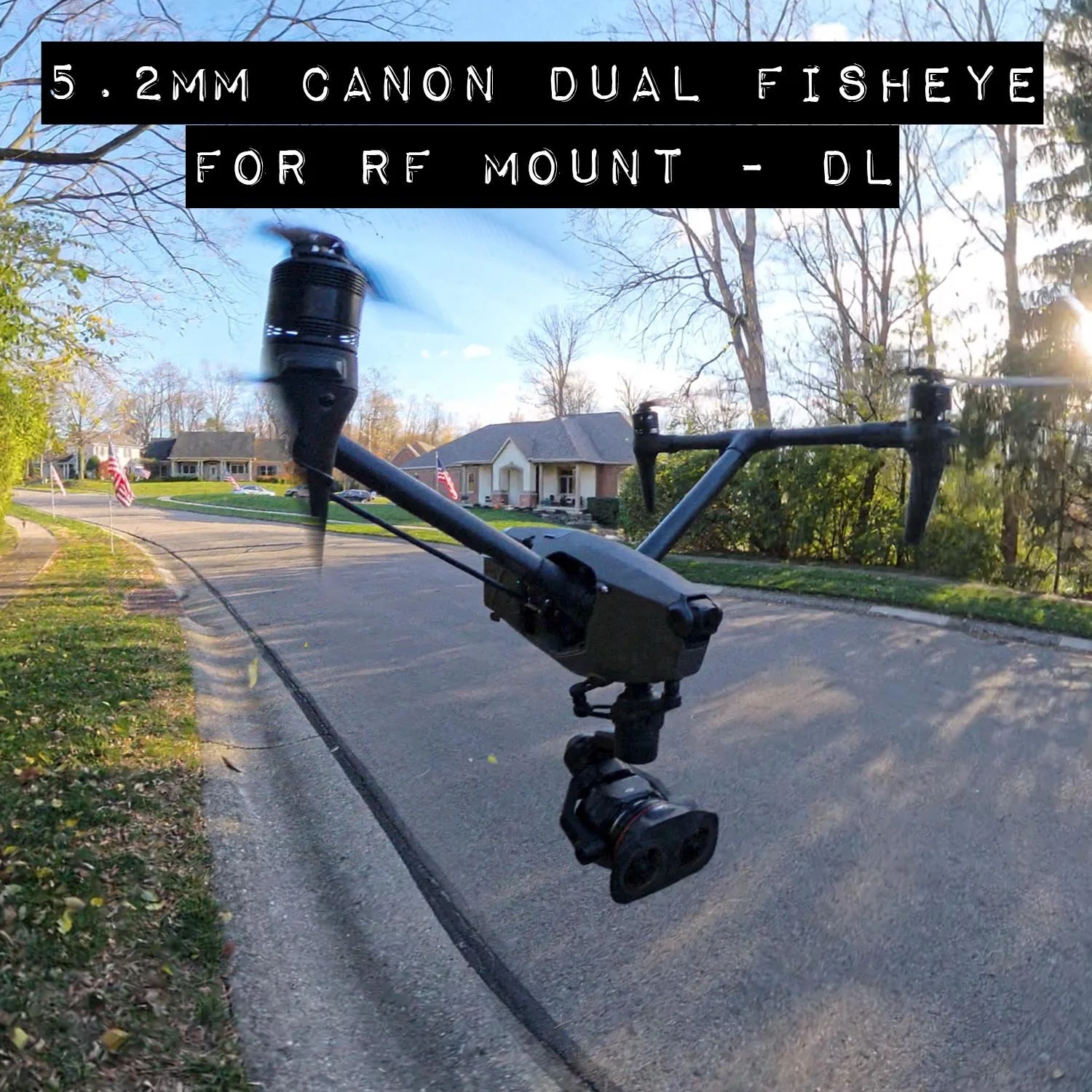
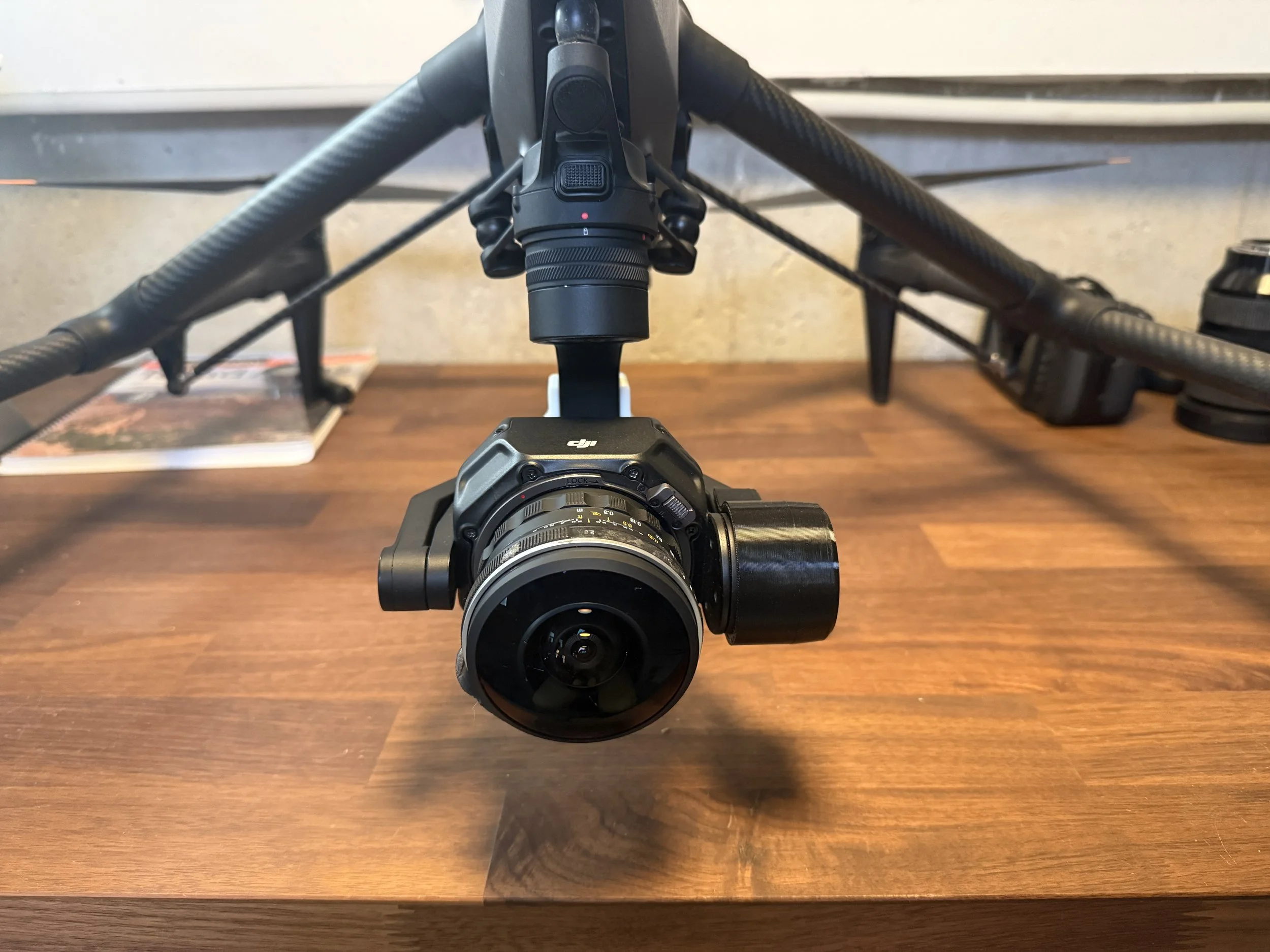
This is a DJI DL Mount lens bayonet to replace the stock Sony E-mount bayonet for AstrHori 6mm f2.8 full frame fisheye lens. This works along with the XL counter weight kit to adapt and use the following lenses on the DJI Inspire 3 (lenses sold separately)
What’s Included
(1) Replacement bayonet for a AstrHori 6mm f2.8 full frame fisheye lens, does not include the lens.
Flight Characteristics based on weight and size of lens
The AstrHori 6mm f2.8 is a full frame lens short heavy lens at 340grams and 61mm in length, it will require modest counter-weighting on rear gimbal plate, roll arm, and pan arm to bring it into balance.
Notes: Flight characteristics are significantly modified with these heavy lenses.
The Lens can fly vibration free if counter balanced appropriately, however this is not a grantee that vibration free flight is possible at all altitudes and tilt angles. Purchase of bayonet includes general instructions on how to optimize for vibration free flights with aftermarket lenses.
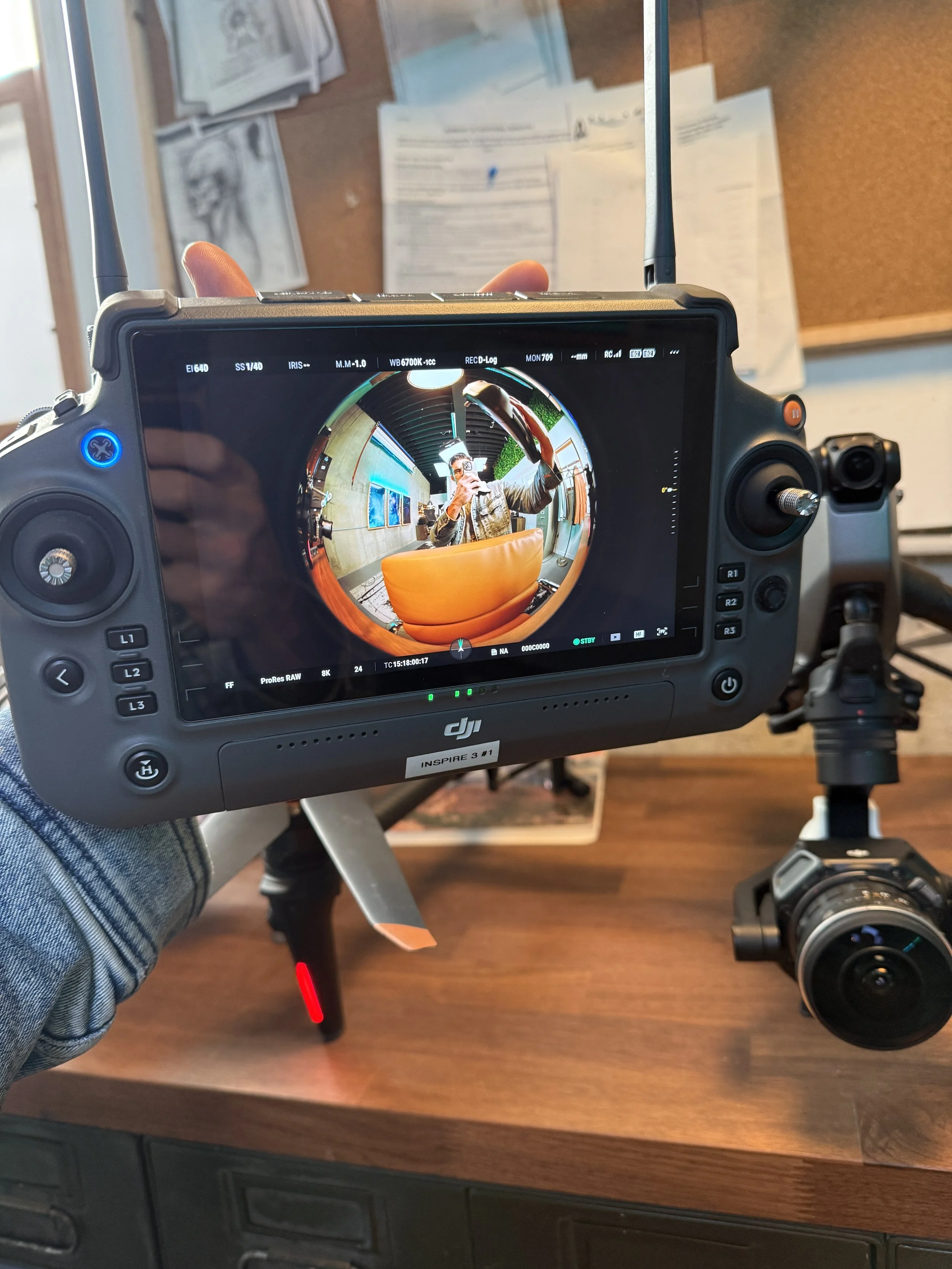
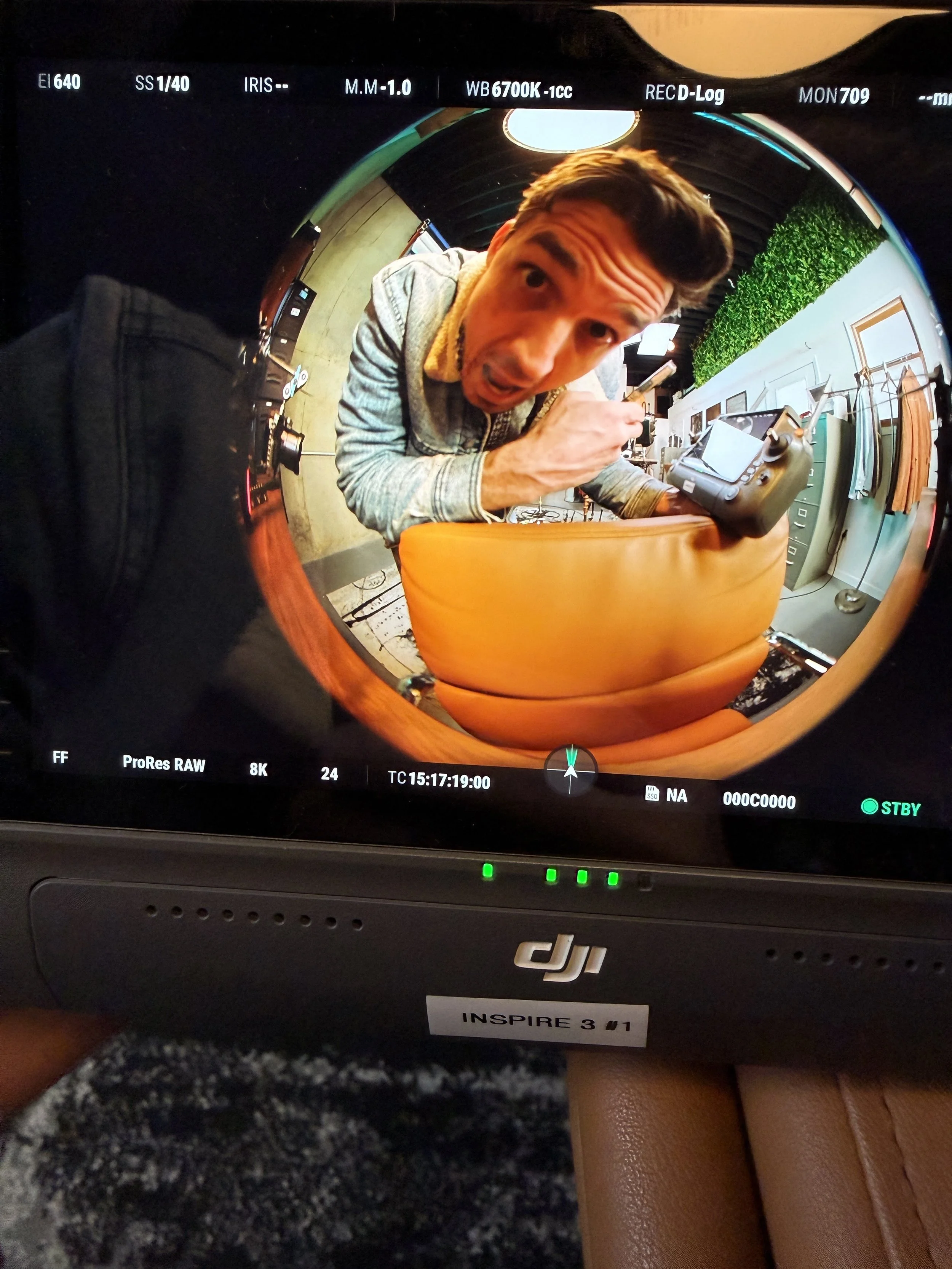
Also the lens is so wide that it requires lens distortion correction in post to remove the significant vignette. And it should be noted that certain tilt angles will show the nose of the drone and forward arms irrespective of landing gear orientation.
General Disclaimer
Flying heavier lenses on the Inspire 3 , you should fly with extreme caution. Not only are you flying with more lens weight but also more counter weight. Fly very slow and not recommended in windy conditions or high altitudes (above 8,000ft). Some vibrations are to be expected at some gimbal tilt angles or various climate conditions. Warmer, high altitude conditions increase propellor speed, and increase vibration.
How this works
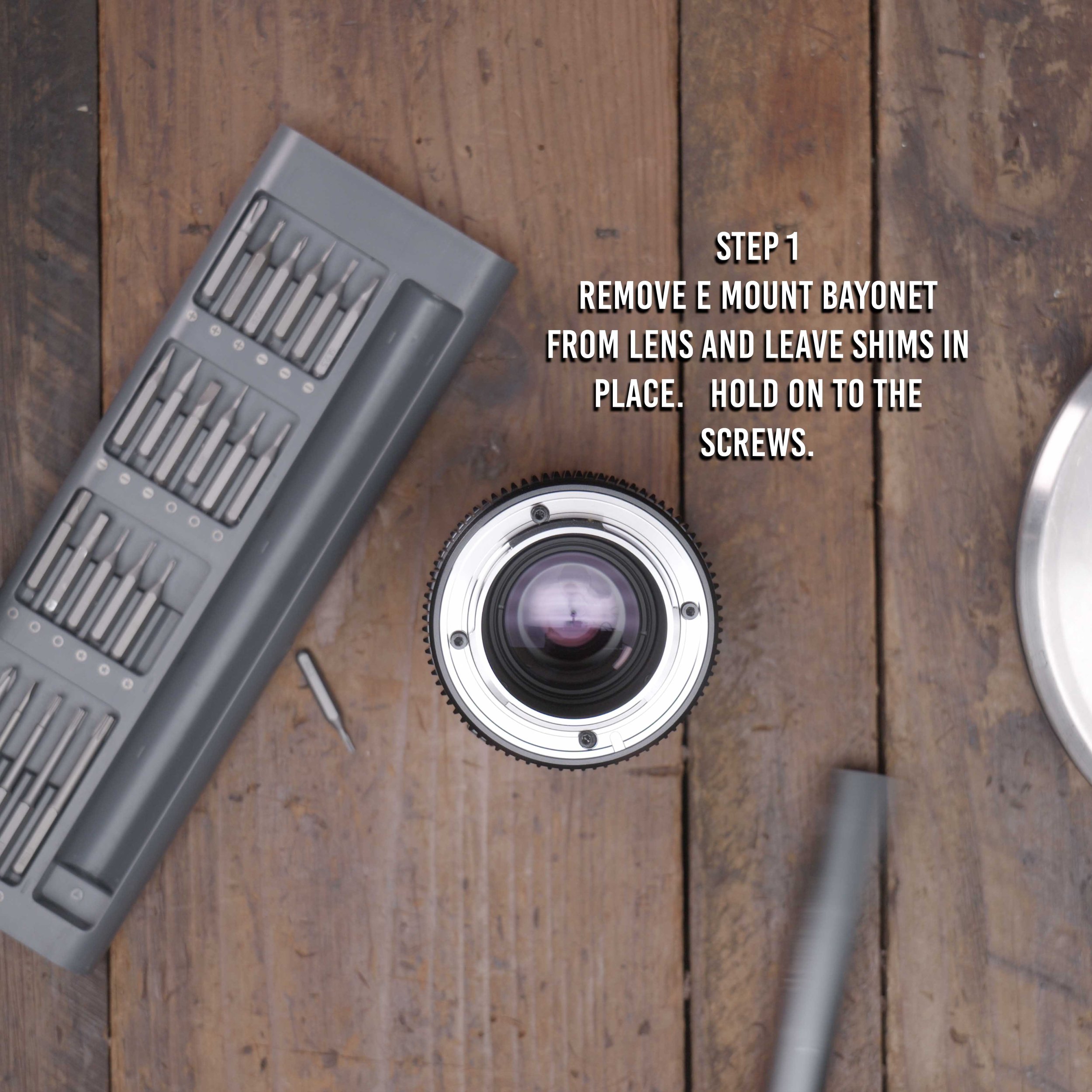
Step 1. Unscrew stock bayonet on lens with a small electronics screw driver
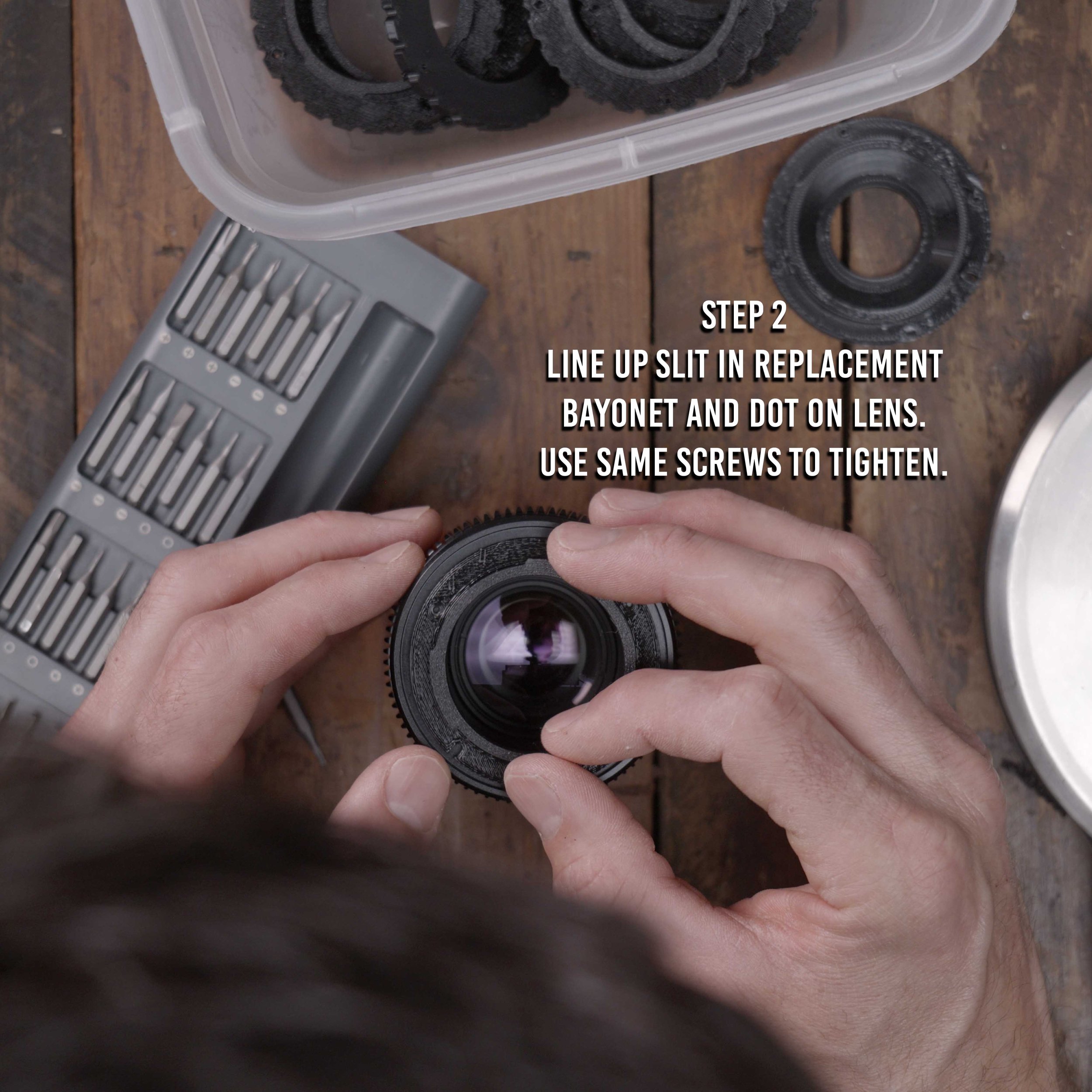
Step 2. Use the same screws and insert the 3d printed bayonet, aligning the bayonet in the correct orientation (Align mark to red dot on lens)
Step 3. Install lens on Inspire 3 along with the Counter Weight kit and appropriate weights.
Step 4. Set focus to infinity on the ground.
Step 5. Lock focus with a small piece of gaffe tape on the lens. You will not get Autofocus with these lenses.
Step 6. Make sure gimbal lens lock has locked in lens correctly.
DISCLAIMER - YOU FLY AT YOUR OWN RISK
The DJI inspire 3 is designed to fly compact lenses that are 169g, and flying heavier and bigger lenses will change flight and gimbal characteristics. By purchasing this adapter you accept the risk of personal injury, death and or destruction of property due to the changes to the flight characteristics. This sale makes no guarantee that the lenses the adapter is intended for will work with full functionality, mobility, and aerodynamics. Be smart, fly slow, make a test flight first, YOU FLY AT YOUR OWN RISK.